MazeBreak GDD Wiki
Private, searchable game design document wiki for a Roblox development team — 24 chapters, full-text fuzzy search, keyboard navigation, and Clerk authentication.
Video Walkthrough
Screenshots
1 / 7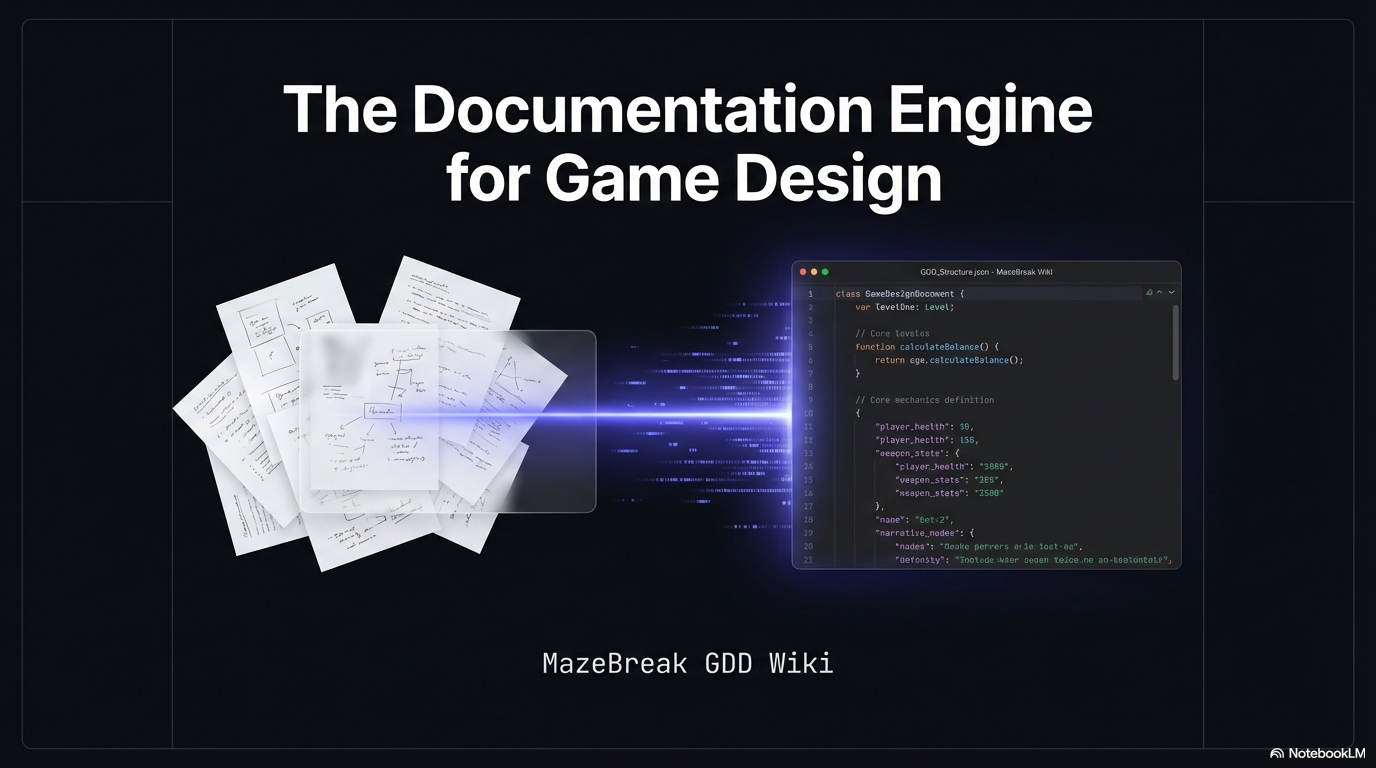
The Challenge
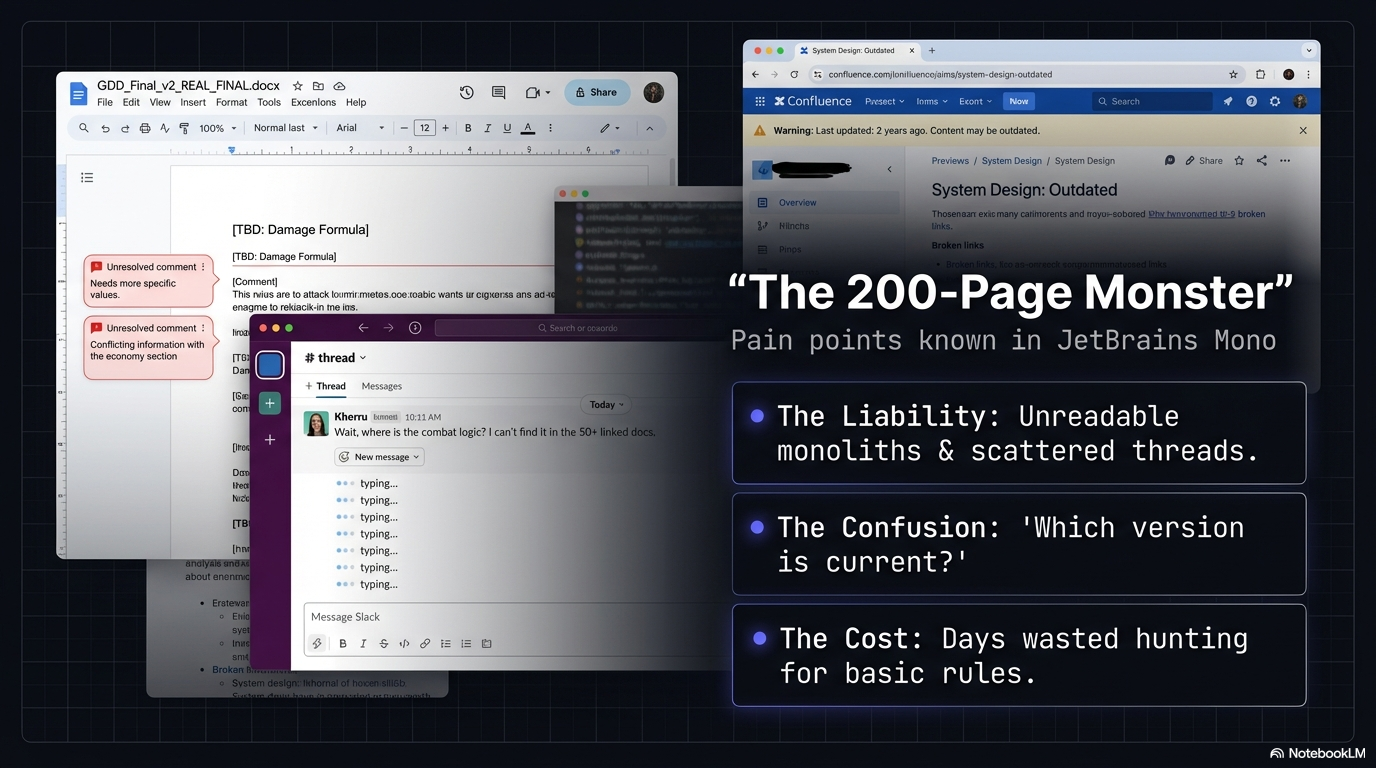
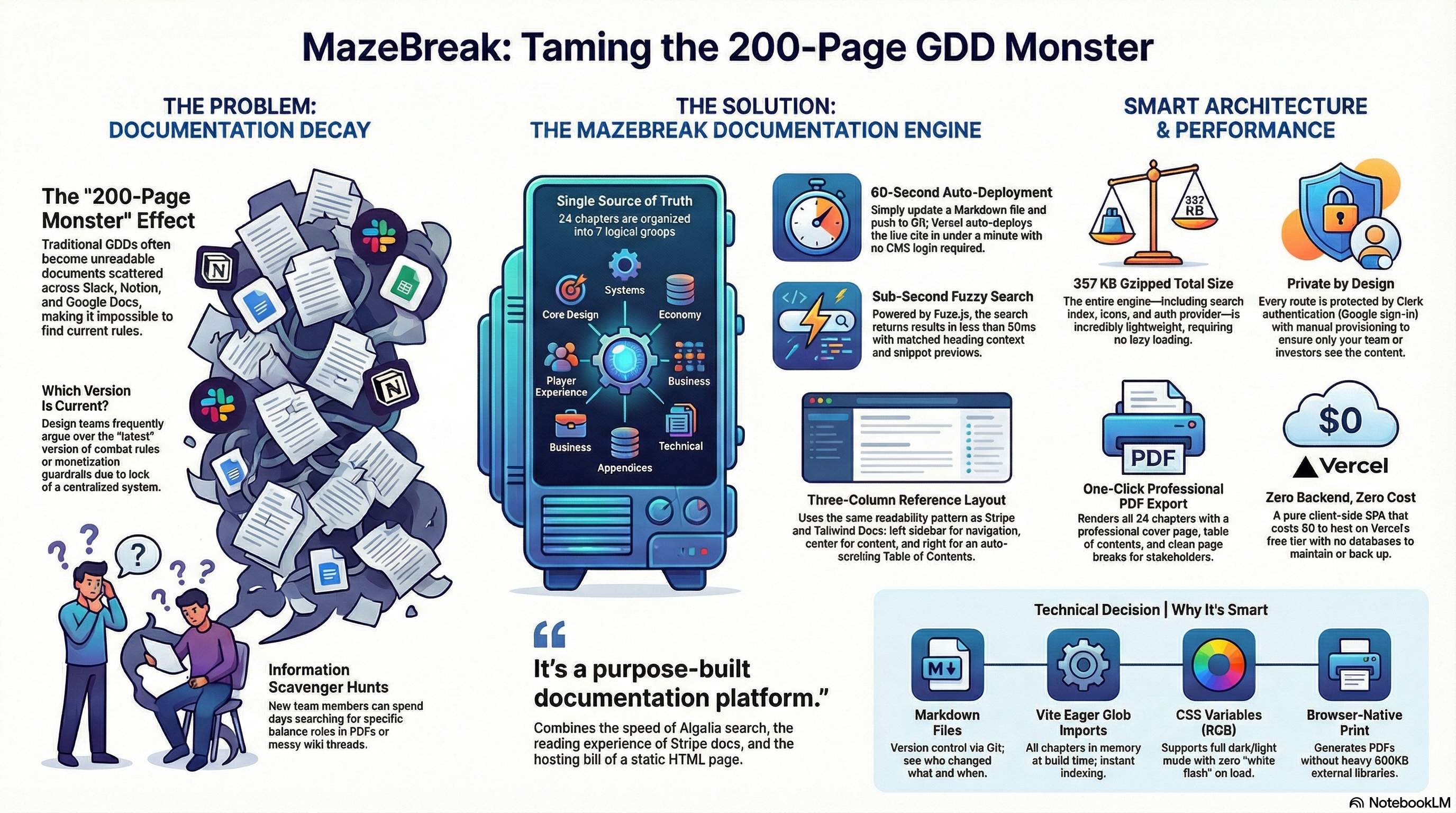
Game development teams working from traditional design documents face compounding friction: a 30+ page Word document requires scrolling and Ctrl+F to find anything, breaking flow during active development. Related systems (e.g., enemy damage and loot tables) live in separate sections with no linking. Word's find function matches exact text only — no fuzzy matching, no relevance ranking, no snippet previews. Sharing a Google Doc offers limited access control over sensitive design decisions. And developers working in Roblox Studio need to alt-tab to a separate application and manually locate the relevant section. Without a purpose-built reference tool, design documents become write-once artifacts the team avoids consulting.
The Solution
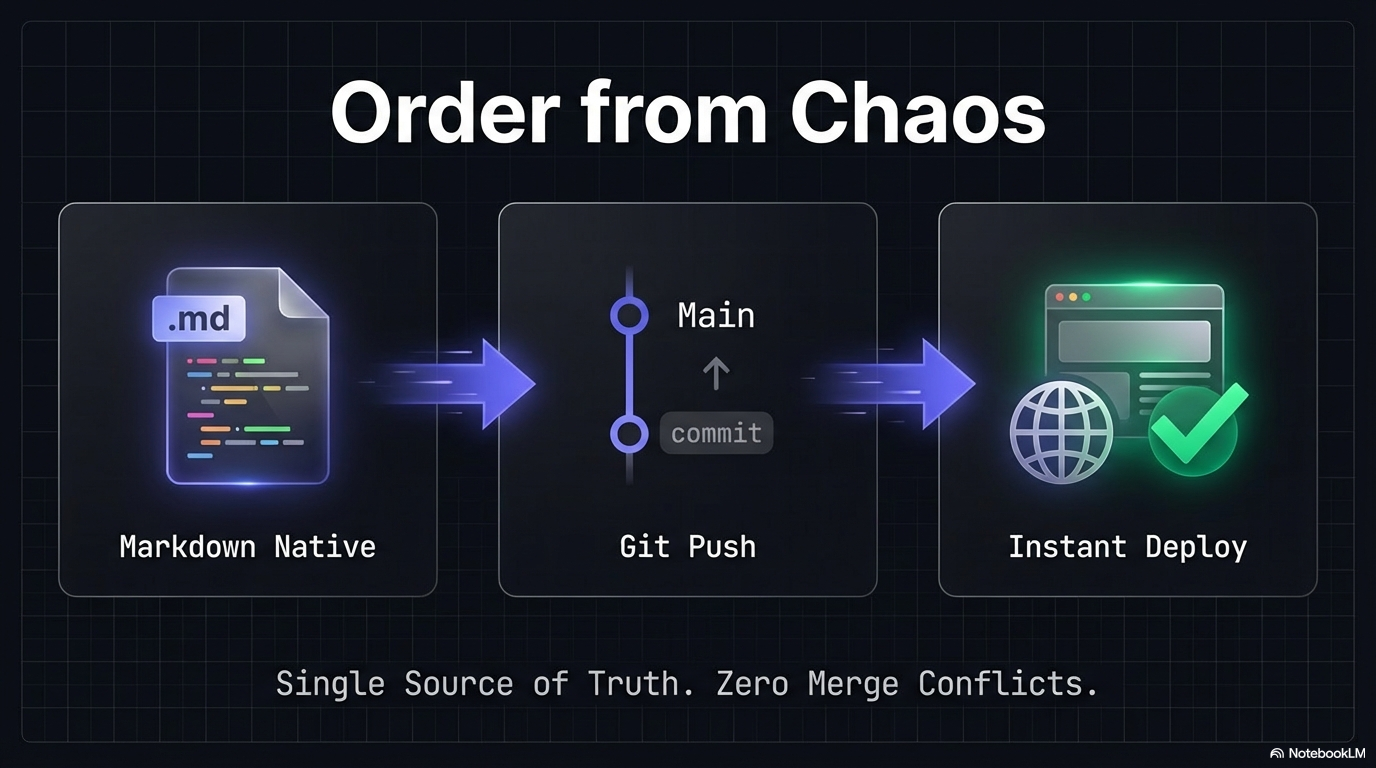
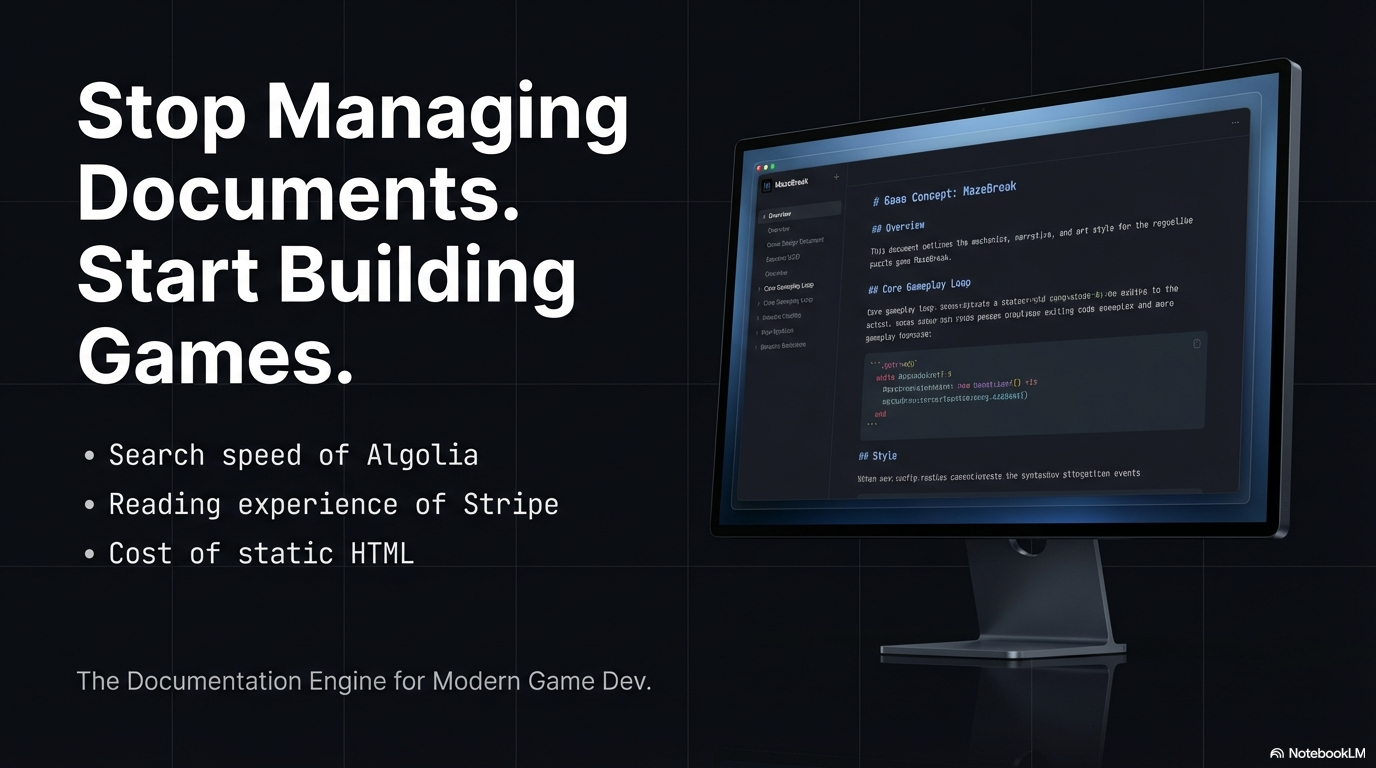
The MazeBreak GDD Wiki addresses each friction point with targeted design decisions: Ctrl+K opens a command-palette-style search modal with Fuse.js fuzzy matching. 24 chapters are organized into 7 logical groups with collapsible sidebar, previous/next navigation, and right-sidebar table of contents with scroll tracking. Content updates deploy in 60 seconds via Git push. Clerk authentication restricts access to provisioned users at zero cost. Dark mode UI inspired by Linear, Raycast, and Stripe Docs with JetBrains Mono headings, syntax-highlighted Luau code blocks, and properly styled stat tables.
Technical Highlights
- React 19 + Vite 7 with hot module replacement and modern React features
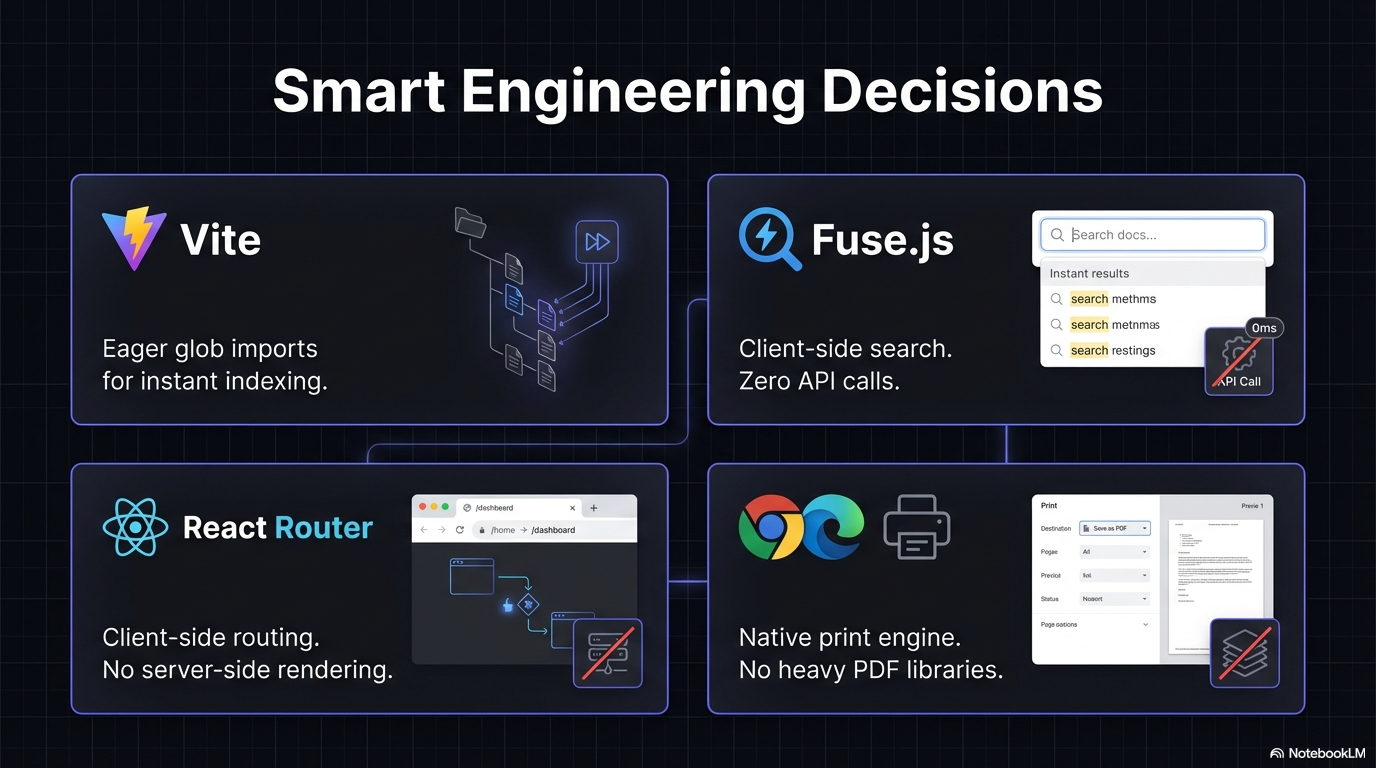
- Client-side search via Fuse.js — no server required, sub-50ms response, works offline after initial load
- Vite glob imports: all .md files imported at build time via import.meta.glob, eliminating runtime file fetching
- Custom markdown pipeline: react-markdown with remark-gfm for tables, rehype-highlight for code blocks, and custom component overrides for callout detection
- Responsive three-column layout: sidebar + content + table of contents, collapsing gracefully to single-column on mobile
- SPA with Vercel rewrites so React Router handles all paths — direct links and browser refresh work correctly
- 357 KB gzipped bundle — entire application including all 24 chapters ships under 500 KB
Results
- Eliminated time spent scrolling through the Word document during development sessions
- Design rules and stat tables are accessible in 2-3 keystrokes from any browser
- Content stays current with the same Git workflow used for game code
- Both team members have authenticated access without sharing credentials or links
- Full-stack web application architecture demonstrating auth integration, client-side search, custom rendering pipeline, and production deployment
- 357 KB gzipped bundle serving the entire GDD as a single-page application
Highlights
Good for
- Game development teams needing fast, searchable access to design documentation
- Teams that want Git-based content management without a CMS
- Projects requiring restricted access with zero-cost authentication
- Developer-first documentation with keyboard shortcuts and dark mode
Not a complete solution for
- Public-facing documentation sites (this is private/authenticated)
- Collaborative real-time editing (it's read-only, updated via Git)
- Non-technical teams who can't use markdown and Git workflows
What you get
- React 19 + Vite 7 single-page application with client-side search
- Clerk authentication with Google sign-in (free tier)
- Custom markdown rendering pipeline with syntax highlighting and callout detection
- Responsive three-column layout: sidebar + content + table of contents
- Vercel deployment with automated builds and SPA routing
Have a similar challenge?
Let's talk about how a solution like this could work for your team. Free call, no pitch.
Book a Free Call